
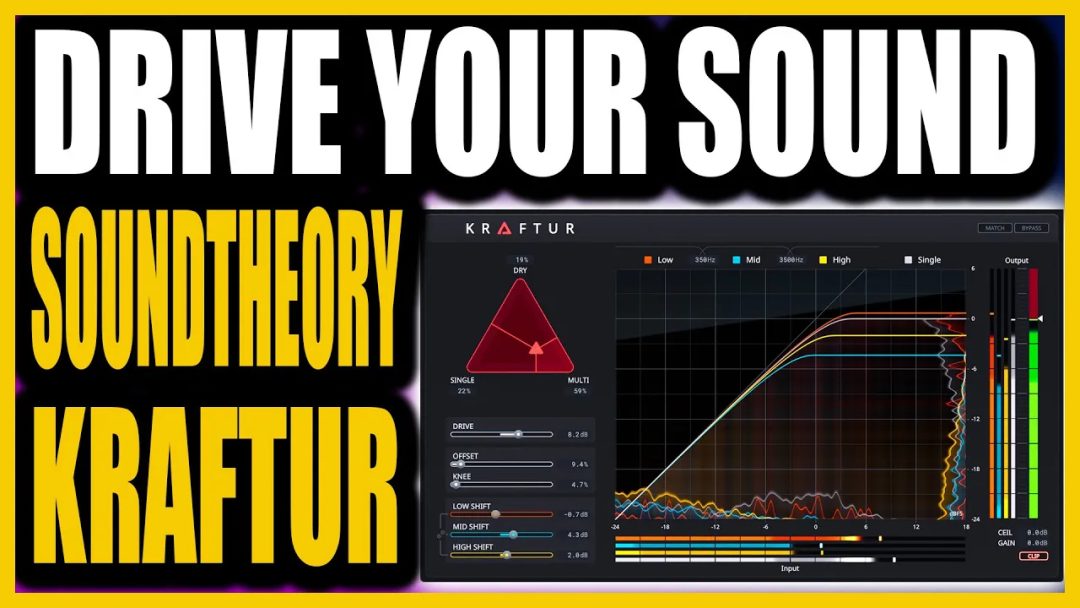

From Now Until November Use The Code: “PLAP30″ to bring the price down to $69
When you first come across Soundtheory Kraftur, you might wonder if yet another plugin is necessary. However, after diving into its features and functionalities, you’ll quickly realise that Kraftur stands out in a crowded market. This article will take you through its purpose, design, and practical applications, ensuring you understand why it’s a game-changer for audio engineers and producers alike.
Understanding the Purpose of Kraftur
Kraftur is designed to enhance loudness while preserving the dynamics and tonal balance of your mixes. Many processors claim to achieve these results, but Kraftur does it at an entirely different level. Developed by Soundtheory, the same company behind the acclaimed Gullfoss plugin, Kraftur is backed by extensive research and engineering expertise.
A Closer Look at Kraftur’s Design
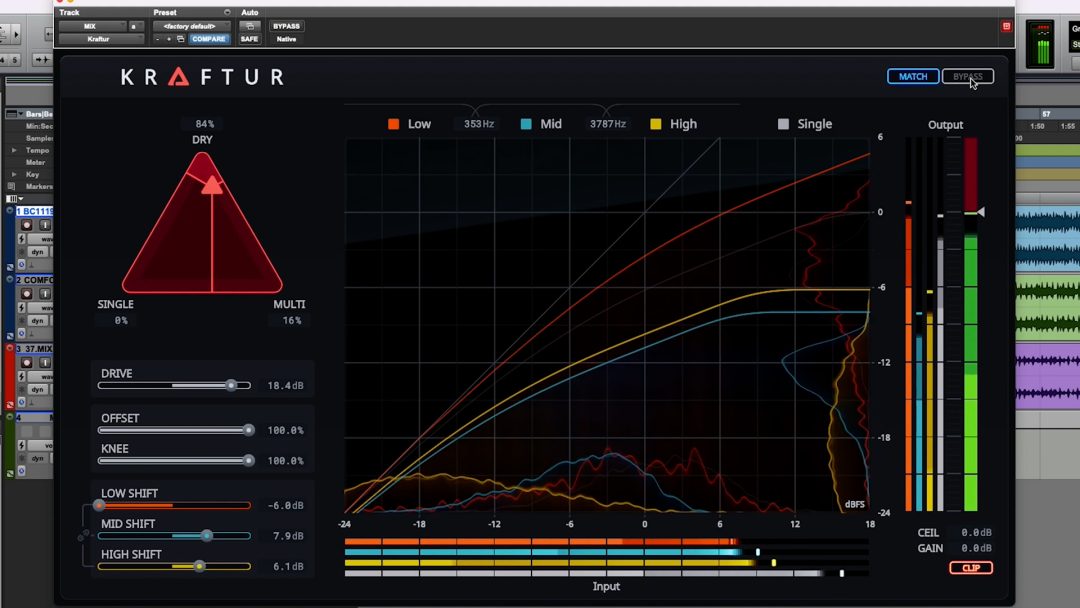
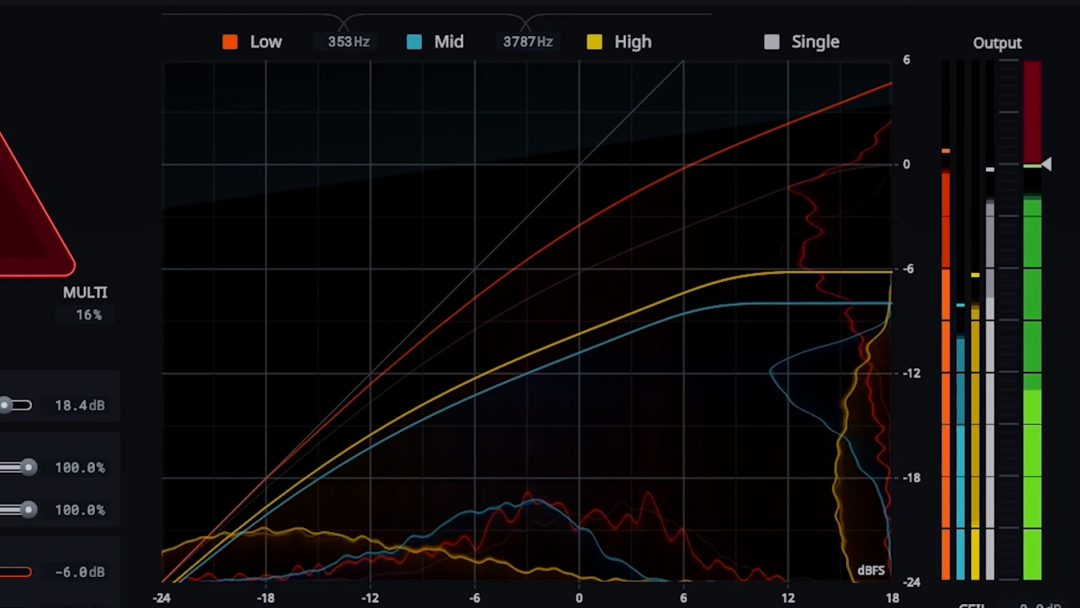
At its core, Kraftur is a next-generation clipper, saturator, and wave shaper that operates in both multiband and single-band modes. The user interface is intuitive, providing visual feedback that enables you to monitor the processing effects on your audio material effectively. Here’s a breakdown of its primary components:

The Interface Overview
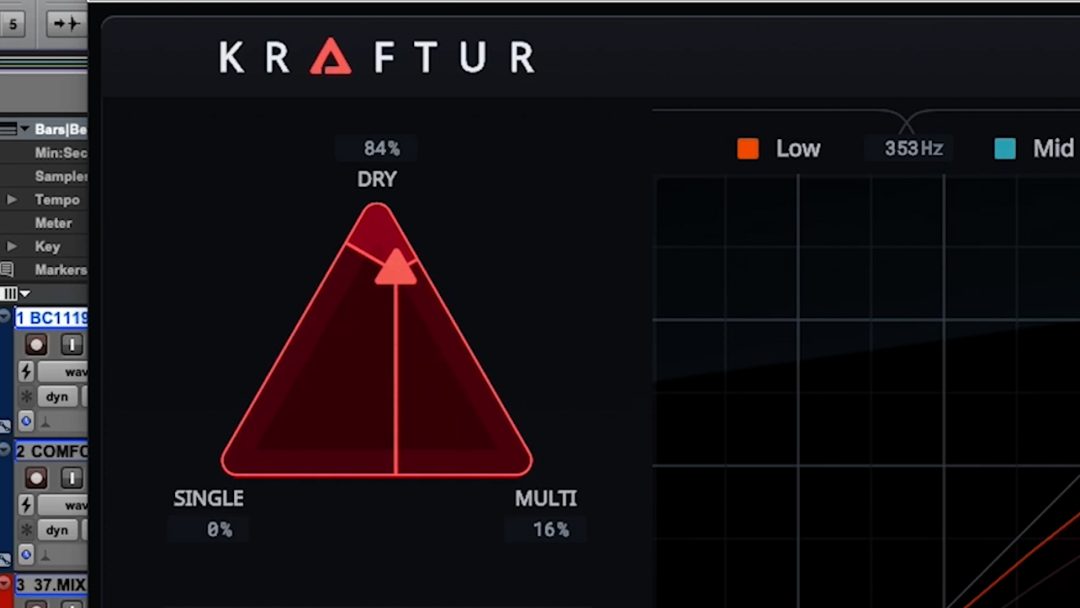
- Triangle Cursor: This control allows seamless blending between multiband and single-band processing.
- Band Solos: Clicking on these lets you solo each frequency band for detailed adjustments.
- Drive Slider: This is your primary control for saturation and wave shaping, allowing you to enhance loudness with minimal nominal level increase.
- Clipper Controls: Located at the bottom right, this section helps manage peaks and adds another layer of saturation.

Advanced Features of Kraftur
Beyond the basic controls, Kraftur includes advanced features that enhance its usability:
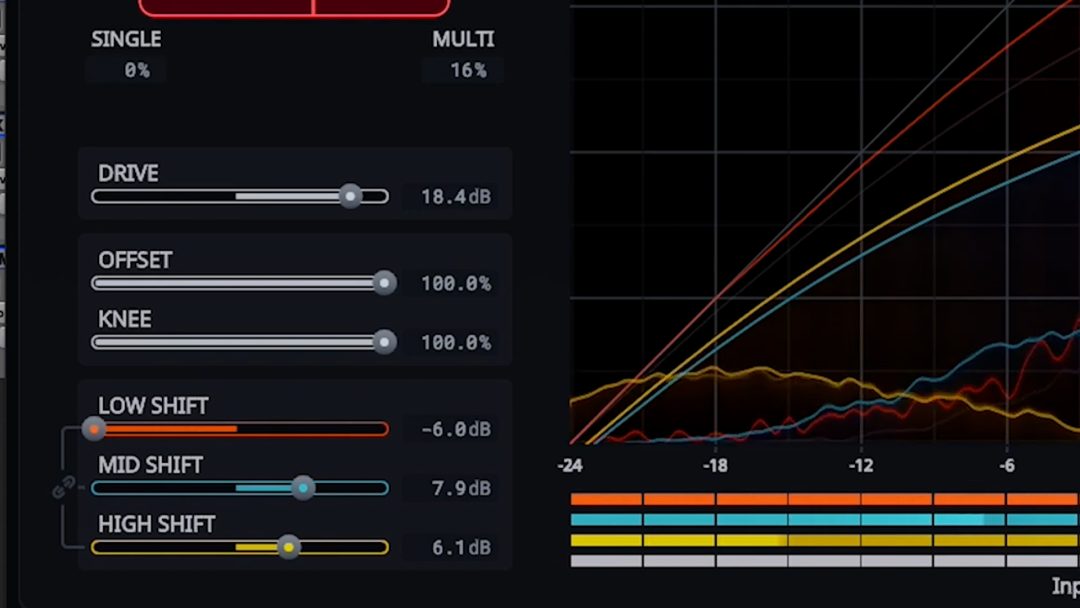
- Offset and Knee: These controls shape the clipping curve. The offset adjusts the overall spectrum while the knee softens the top part of the curve.
- Shift Controls: These allow you to adjust the threshold levels for low, mid, and high bands, tailoring the saturation effect for each frequency range.
- Visual Feedback: The GUI provides real-time visual feedback with colour-coded bars representing the input and output levels, including RMS and peak levels.

Understanding Metering
The metering in Kraftur is crucial for understanding how your audio is being processed. Each frequency band is colour-coded, allowing you to see how much saturation and distortion is occurring across the spectrum. This feature is particularly helpful in avoiding intermodulation distortion, which can occur when processing a wide band of frequencies simultaneously.
Practical Applications of Kraftur
Kraftur excels in various audio processing scenarios, making it an invaluable tool in any audio engineer’s arsenal. Here are some practical applications:
Mastering with Kraftur
In a mastering chain, KRAFTUR acts as a powerful tool for enhancing perceived loudness without compromising the mix’s integrity. By carefully adjusting the drive and clipping settings, you can achieve a professional sound that translates well across different playback systems.
Mixing Scenarios
Whether you’re working on electronic music, hip-hop, or rock, Kraftur’s flexibility allows it to shine in various genres. For instance, when mixing a dense track with a heavy bassline, the multiband processing can help maintain clarity while boosting loudness.
Dynamic Control
The offset and knee controls provide an extra layer of dynamic control, allowing you to fine-tune how the plugin reacts to transients. This is particularly useful in genres where punchy drums are essential.

Audio Tests: Seeing Kraftur in Action
To illustrate KRAFTUR’s capabilities, several audio tests were conducted, showcasing its effectiveness across different musical styles.
Example 1: Vocal Mix
In a recent vocal mix test, Kraftur was used without the match function initially to highlight the perceived loudness increase. As the drive was pushed, noticeable improvements in loudness were observed without increasing the nominal level significantly.
Example 2: Bass-Heavy Track
When applied to a bass-heavy track, the multiband features of Kraftur allowed for targeted saturation that enhanced the low end without muddying the mix. By adjusting the low shift control negatively, the low frequencies were preserved while still achieving the desired loudness.
Example 3: Drums
In a drum mix, both the offset and knee controls were manipulated to demonstrate how they affect punch and clarity. Pushing the drive to the extreme showed the plugin’s ability to handle high levels of saturation while maintaining a clean and punchy sound.
Conclusion:
Soundtheory Kraftur is not just another plugin; it represents a significant advancement in audio processing technology. With its intelligent design, intuitive interface, and powerful features, Kraftur offers unparalleled control over loudness and dynamics in your mixes. Whether you’re a seasoned engineer or a budding producer, this plugin is worth adding to your toolkit.
For those keen to explore Kraftur further, consider checking out the official website or the various mixing and mastering courses available. This could be the step that elevates your audio production skills to new heights.