
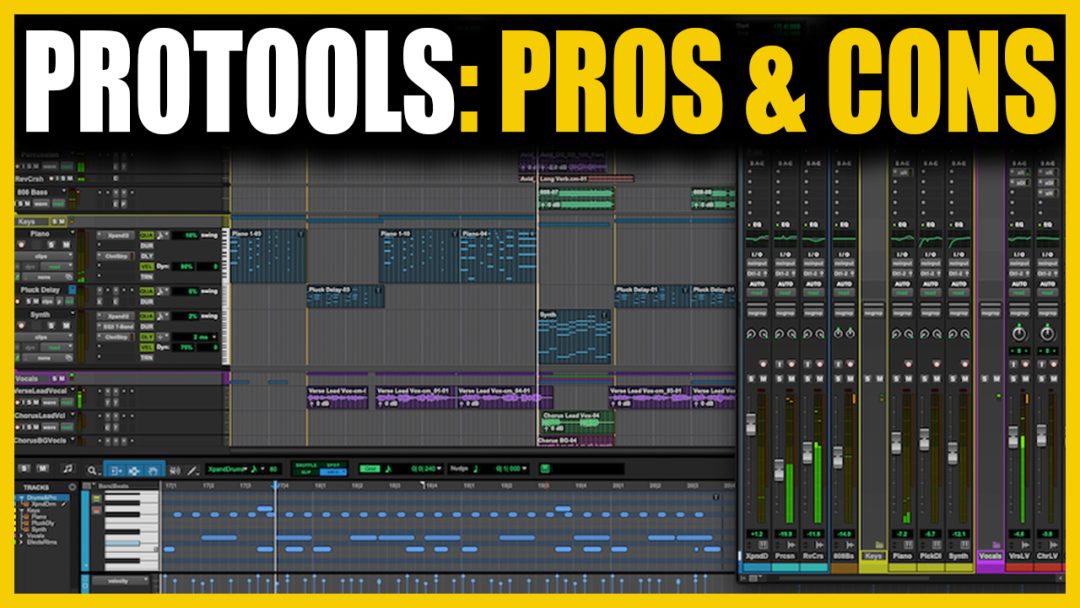


A personal look at why I use it—and why so many professionals do too
Pro Tools is one of the most widely used DAWs in music, post-production, and broadcast. Whether you’re tracking a band, editing dialogue for a feature film, or mixing an Atmos session, there’s a good chance Pro Tools is part of the process.
I’ve worked across a range of studios—from boutique music spaces to full-blown post rooms—and I use Pro Tools because it delivers where it counts. For editing, mixing, and managing complex sessions, it does the job better than anything else I’ve tried. Here’s what it gets right, where it can slow you down, and why it continues to be the DAW of choice for so many professionals.
Check Out The Ultimate Guide To Protools Here
What Pro Tools Gets Right
Audio editing is the most intuitive on the market This is the biggest reason I use Pro Tools. If I need to comp vocals, edit timing without destroying the feel, or make tight dialogue cuts for post, nothing comes close. Fades, trims, region groups, playlists—it all works seamlessly. I move faster in Pro Tools than in any other DAW when it comes to shaping audio.
It handles large, complex sessions without breaking a sweat Pro Tools was built to manage big projects. I’ve mixed sessions with hundreds of tracks—drums, vocals, synths, stems, effects—and Pro Tools stays responsive. With track folders, clear bussing, and tools like freeze and commit, you can stay organised and keep your CPU under control.
It’s purpose-built for post-production and film work Sound for picture is one of Pro Tools’ strongest areas. Features like frame-accurate timeline editing, ADR workflows, and native surround or Atmos support make it the go-to for post houses. It’s not just capable—it’s designed for this environment.
The audio engine is transparent and stable Paired with good hardware, the 64-bit Avid Audio Engine gives clean, detailed playback with reliable low latency. It doesn’t hype or colour the sound. What you hear is what’s there, which is exactly what I want in a mix or edit environment.
Collaboration tools are built in Whether I’m handing off stems to another mixer or working with a producer halfway across the world, Pro Tools makes it manageable. Track freeze and commit let me lock things down, and cloud-based session sharing is finally workable.
It integrates properly with pro hardware Pro Tools shines when it’s paired with high-end interfaces and control surfaces. HDX systems, Avid converters, and consoles like the S6 all lock in tightly. For many professionals working in multi-room or broadcast environments, this kind of integration is essential.

What Still Slows You Down
The cost adds up fast Pro Tools isn’t cheap, especially if you need the Studio or Ultimate versions. Subscriptions are the norm now, and perpetual licences are costly to maintain. If you’re using Avid hardware as well, the investment is significant. For independent creators, this can be a barrier.
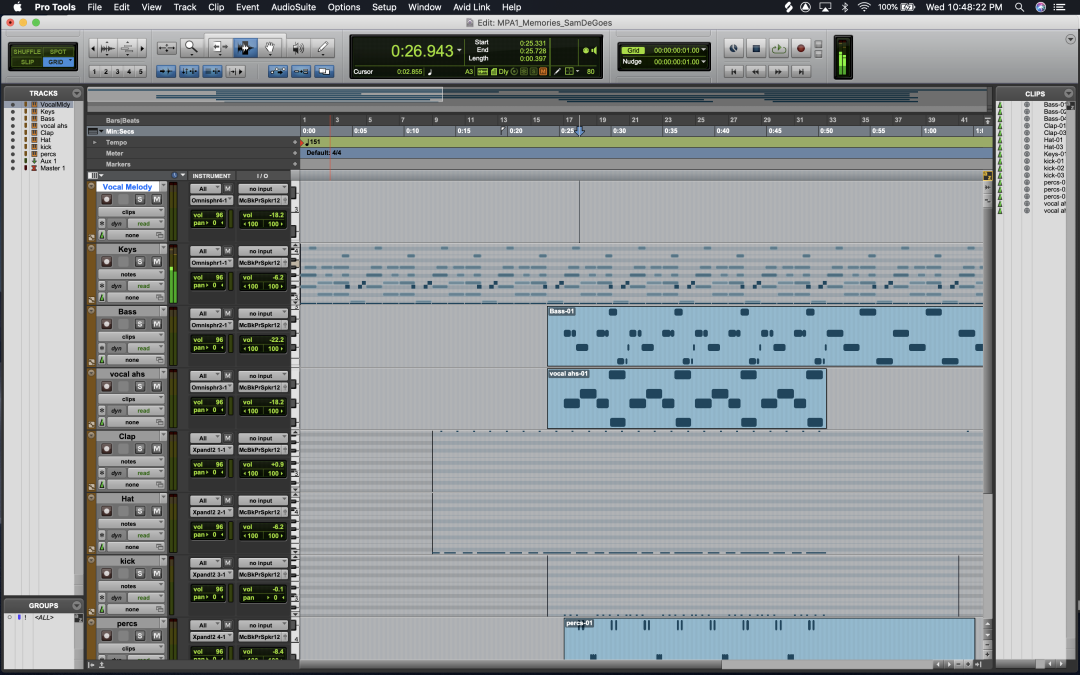
MIDI is functional, not inspiring If your workflow leans heavily on virtual instruments, step sequencing, or real-time MIDI manipulation, Pro Tools can feel slow. It’s improved, but DAWs like Logic and Ableton Live are still better suited to creative MIDI work and electronic production.
Plugin management needs work Pro Tools only supports AAX plugins, which limits your choices and complicates things if you’re coming from another platform. There’s no plugin manager, and a crashy third-party plugin can take the whole session down. Other DAWs have better stability and sandboxing here.
The learning curve is steep Pro Tools expects you to understand signal flow, routing, and studio terminology. It’s built around an engineering mindset. If you’re new to production, it can feel rigid at first. Some users find that frustrating, especially compared to DAWs designed for songwriting and quick sketching.
You’re nudged toward the Avid ecosystem To unlock features like automatic delay compensation across complex routing, or to run large sessions with absolute reliability, you’re expected to use Avid’s hardware. That’s fine in a commercial studio, but less ideal if you’re working with your own setup at home.
Compatibility can be fragile Updates to macOS or Windows can throw everything off. Plugin developers sometimes lag behind, and Avid’s own updates don’t always arrive quickly. I’ve learned to treat upgrades cautiously and stay on stable versions for long stretches.
The Professional Community Around Pro Tools
One of the most underrated strengths of Pro Tools is the community around it. The online groups, forums, and private chats are filled with professionals working at the highest levels of music, film, broadcast, and theatre. You’ll find Grammy-winning engineers, post supervisors, sound designers, and mixers all sharing insight, troubleshooting each other’s setups, and giving feedback.
That means if you run into a technical snag, someone has probably solved it. And if you’re pushing into new territory—Atmos, immersive theatre sound, complex cue-based film mixing—you’re in a community that’s already doing that kind of work every day. The level of conversation and collaboration in those spaces is a huge part of why Pro Tools continues to thrive.

This Is Why We Developed the Ultimate Pro Tools Course
Everything above—from the power and speed of Pro Tools to the learning curve that can slow people down—is exactly why we created this course with Jon Connolly, one of the most respected Pro Tools educators in the world.
Jon’s worked with Avid at the top level. He’s trained engineers, mixers, and educators across the globe, and he knows exactly how to break down complex workflows in a way that makes sense. Whether you’re brand new to Pro Tools or you’ve been using it for years but still feel like you’re fighting it, this course is designed to close the gap.
It covers not just how to use Pro Tools, but how to work like a professional in it—editing, mixing, session management, routing, comping, collaboration, and more. Everything Jon teaches is grounded in real-world use, based on how the top people in music and post actually work day to day.
We built this course because we believe Pro Tools isn’t just a DAW. It’s a professional toolset—and when you really understand it, it becomes one of the most powerful creative platforms you can use.