Hi, it’s Warren Huart here, I hope you’re doing marvellously well.
This was actually the first video I ever uploaded to the channel, over ten years ago. And even after all this time, the message still holds up. The gear may have changed, but the principles remain exactly the same. That said, in this version, I’ve included some updated thoughts and additions, from the rise of iPads as legit production tools, to game-changing monitoring solutions like Slate VSX, to how modern budget interfaces completely outshine the ones we used to make hit records with in the early 2000s.
Now, having spent the last ten years trying out virtually every piece of gear imaginable, I bring even more insight into what actually matters, and how to get the most out of your setup, no matter your budget.
👇 Scroll down for a full breakdown of each component and practical tips to get you started today!
1. Your Computer (or iPad!)
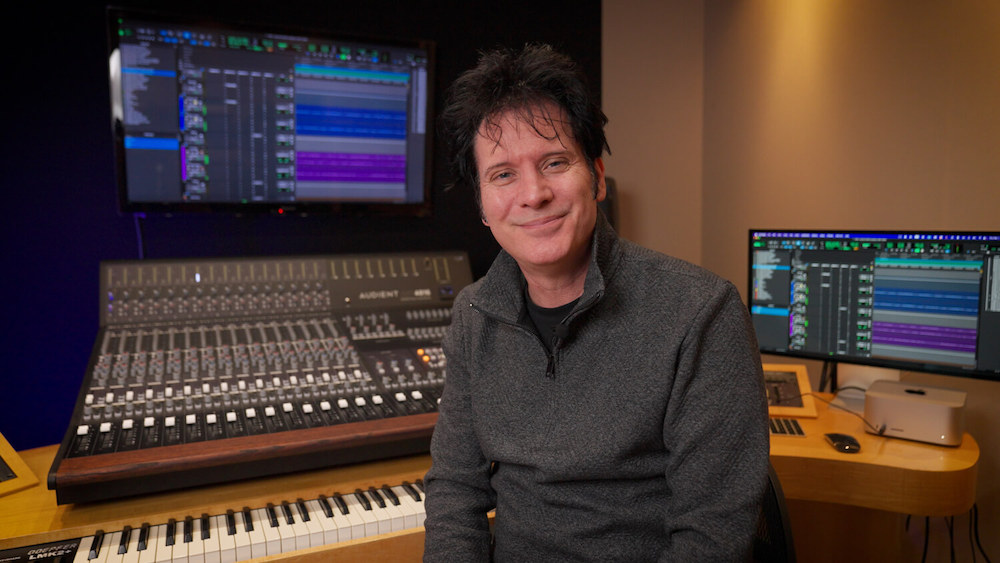
Mac, PC, laptop, desktop or even an iPad, it really doesn’t matter. Use what you’re comfortable with and what you already own. I use Macs personally, because nearly every commercial studio I work in is Mac-based, and it keeps my workflow smooth. PCs, however, are often more affordable and easier to upgrade.
iPads have come a long way too. With apps like GarageBand, Cubasis, Auria Pro, and even Logic for iPad, you can get serious multitrack production, editing and mixing done on the go. Pair it with a portable interface like the Apogee Jam+ or Apogee Duet for iOS and Mac, and you’ve got a studio-quality signal chain that fits in your backpack. These Apogee units are purpose-built for Apple devices and offer fantastic sound quality with minimal fuss.
Whatever you choose, make sure it’s fast, reliable and has enough RAM and storage, especially if you’ll be running lots of virtual instruments or large sessions.
2. Your DAW (Digital Audio Workstation)
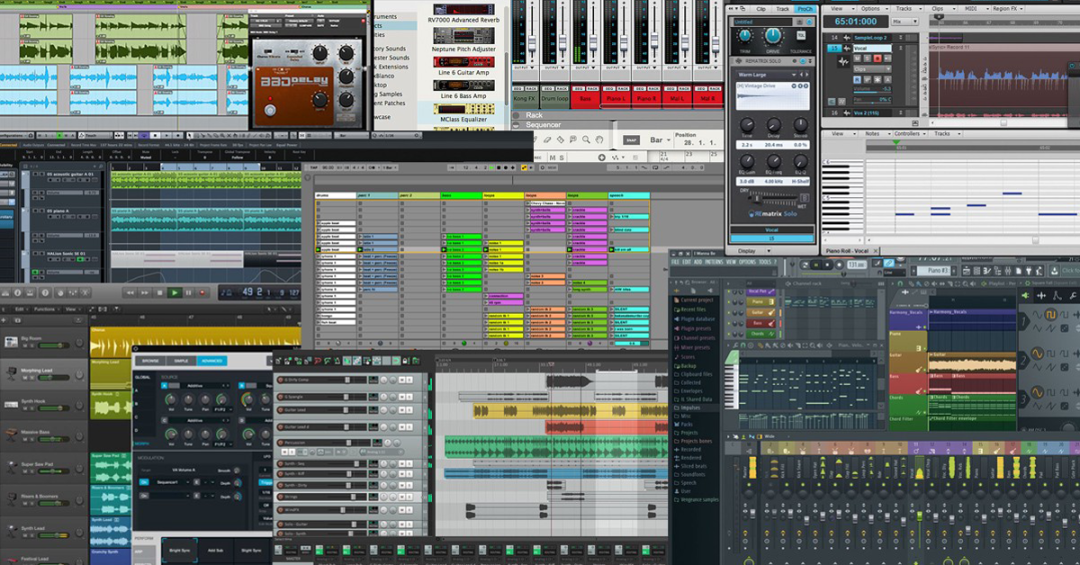
This is your creative hub. Your DAW is where everything happens, recording, editing, producing and mixing.
There are many excellent choices:
- Pro Tools, widely used in most professional studios, great for compatibility and collaboration
- Logic Pro, fantastic built-in sounds and great for songwriting
- Cubase, deep MIDI features and professional-level audio tools
- Studio One, streamlined, drag-and-drop workflow, very intuitive
- Ableton Live, loved by electronic musicians for its live looping and Session View
- FL Studio, super popular with beatmakers, very fast and creative
- Reaper, incredibly powerful, lightweight, customisable and very affordable
The best DAW is the one you know how to use. Don’t worry about what I use or what’s considered pro. Start with what you’ve got, learn it deeply and use it to create.
3. Your Audio Interface
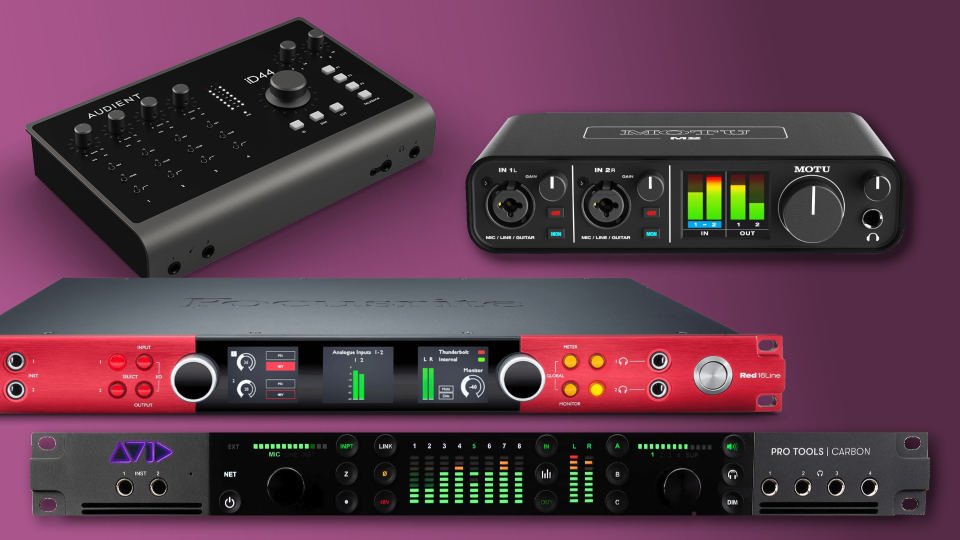
This is the bridge between your instruments or mics and your computer. It handles mic inputs, line inputs, monitor and headphone outputs, and converts everything from analogue to digital and back again.
Today’s interfaces are far beyond what we had in the late 1990s and early 2000s. Back then, people made massive, successful records with gear that had higher latency, lower resolution and far less fidelity than what’s available today. Now, even a modest $100 interface will outperform what we used to consider pro.
Some trusted options:
- Audient, clean, detailed preamps and excellent build quality
- Focusrite, incredibly popular and easy to use
- Apogee, known for fantastic sound, especially on Mac and iOS
- Universal Audio, top-tier plugins and pristine conversion
- PreSonus, Behringer, M-Audio, budget-friendly and rock-solid for beginners
Most home producers only need two inputs to get started. You can record vocals, guitars or keyboards, one track at a time, and build up your sessions layer by layer. Expand later if needed.
4. A Good Microphone
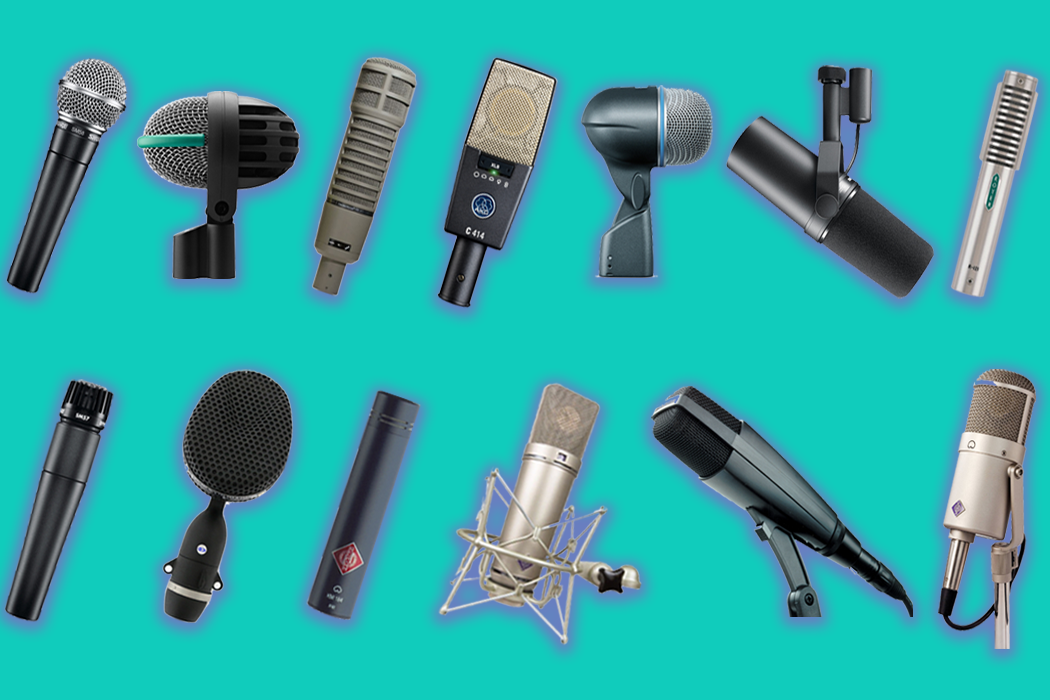
If you’re buying just one mic, start with a large diaphragm condenser. It works beautifully on vocals, acoustic instruments and more. Some reliable and great-sounding options:
- Audio-Technica AT2020 or AT2035, excellent quality for the price
- Lewitt LCT 240 or LCT 440, modern, bright and detailed
- RØDE NT1, smooth top end and very low noise
- SE Electronics, Aston, Samson, all solid choices depending on budget
- JZ Vintage 11, a fantastic way to get a vintage sound without having to pay vintage prices
Also, never underestimate dynamic mics. Two of the most iconic vocal mics in history are:
- Shure SM57, famously used by Prince and Bono, also a staple for guitars and snare drums
- Shure SM7B, Michael Jackson used it on Thriller, it’s fantastic for untreated rooms and gives vocals a warm, intimate sound
Whether you’ve got $100 or $500, it’s not about the price, it’s about capturing a performance. And you can absolutely do that with modest gear.
5. Monitoring: Headphones and Studio Monitors
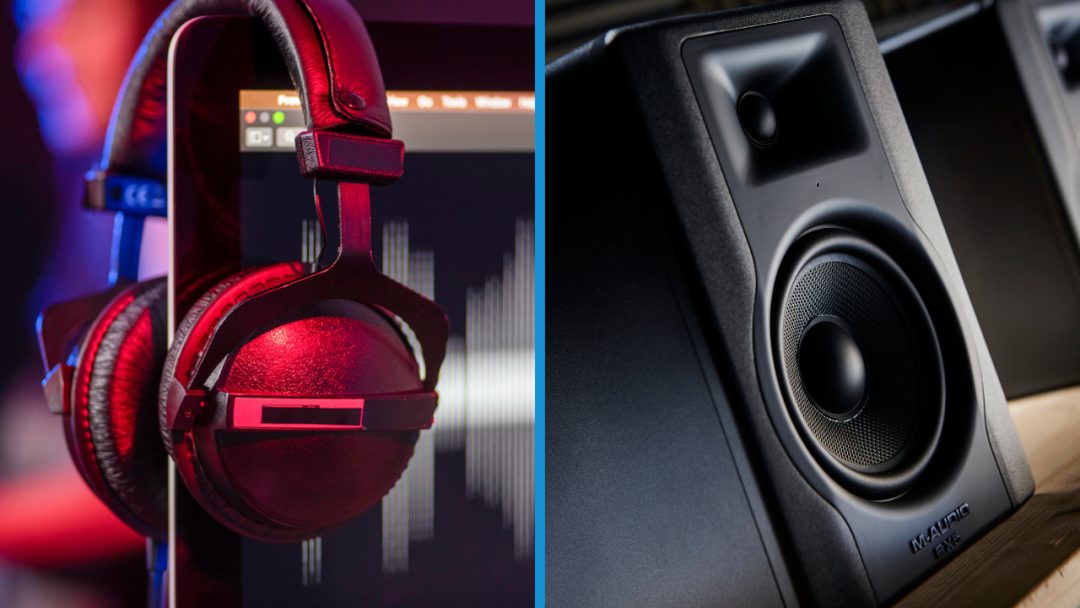
When you’re starting out, headphones should be your first monitoring tool, especially if your room isn’t acoustically treated. Speakers in a bad room can completely skew what you’re hearing, leading to mixes that fall apart on other systems. Headphones give you clarity and consistency.
Great options include:
- Audio-Technica ATH-M20x, amazing sound for just $50
- Beyerdynamic DT770, Sony MDR-7506, Sennheiser HD280, studio staples with decades of trust
And if you want to go a step further, consider the Slate VSX system. It recreates world-class control rooms, cars, clubs and more, all in your headphones. It’s an incredible tool for home studios and a huge confidence booster when mixing.
Once you’re ready for monitors, I highly recommend:
- Kali Audio LP-6 or IN-5, stunning clarity at an unbeatable price
- JBL, Mackie, KRK, PreSonus, all offer dependable, affordable powered monitors
Build your skills with headphones first, then move into speakers once your room and budget allow, and ideally with a bit of acoustic treatment in place.
Final Thoughts
I started with a cassette deck, bouncing recordings between that and my parents’ stereo. Eventually I upgraded to a 4-track, then an 8-track, then multitrack tape, ADATs and Pro Tools. Along the way I’ve used every kind of budget mic and entry-level interface you can think of, and even now, I still use some of them.
The biggest lesson I’ve learned?
🎯 Creativity beats cost. Every. Single. Time.
Use what you’ve got. Make music now. You can always upgrade later, but you can’t replace the experience of just getting started and doing it.
Check out the original video here: https://www.youtube.com/watch?v=03jihZBOQtk
Have questions? Leave a comment, I’d love to help however I can. And if you’re just beginning, welcome to this marvellous world. You’re going to love it.
Thanks so much for reading, now go make some music! — Warren